 English
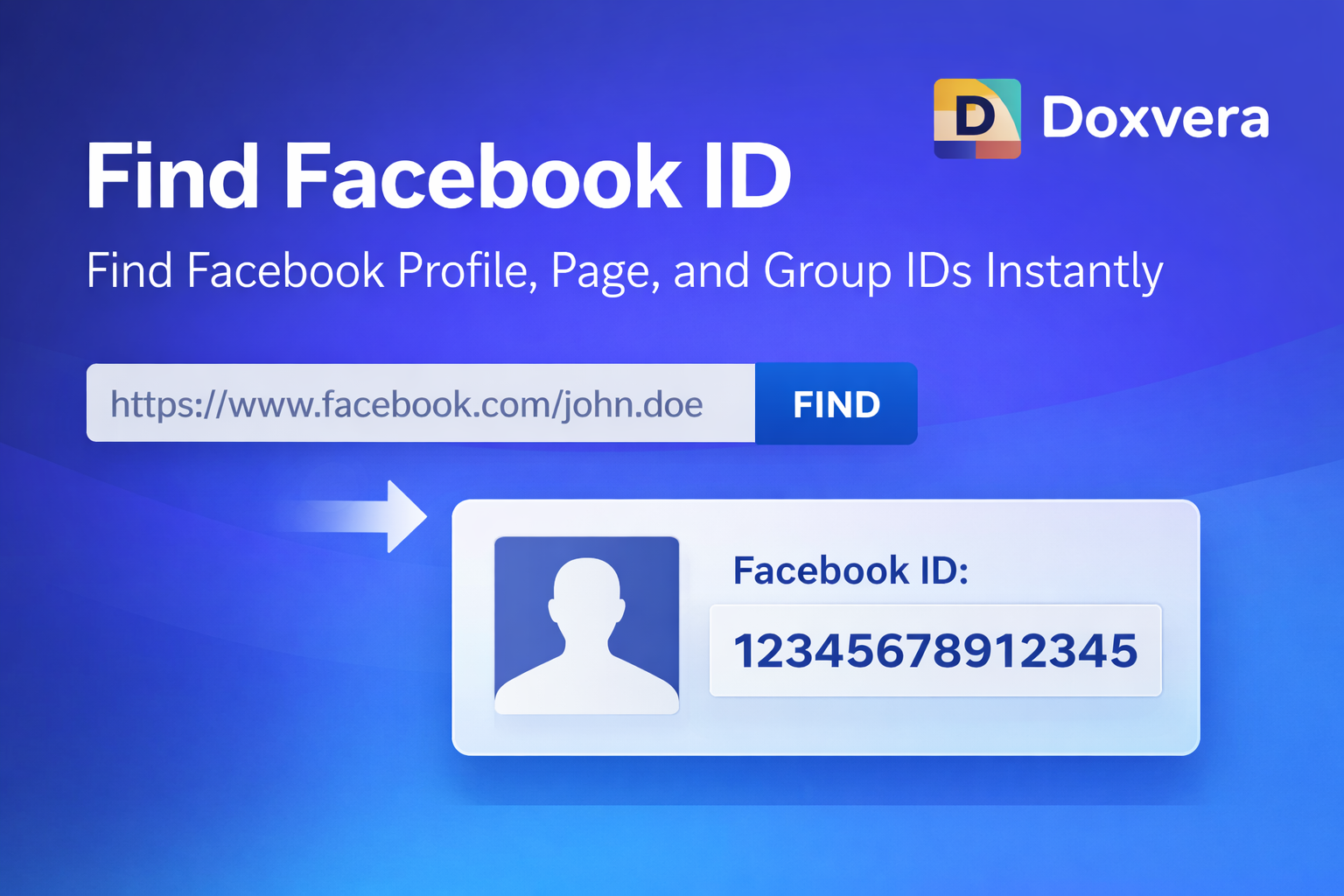
Find Facebook ID
Find Facebook Profile, Page, and Group IDs Instantly
Find Facebook ID is a free online tool that helps you quickly find the unique numeric ID of any Facebook profile, page, group, post, or other Facebook content. Instead of searching manually or looking through page source code, you can simply paste a Facebook URL into the tool and instantly get the Facebook ID.
Facebook IDs are important because every profile, page, group, post, and comment on Facebook has its own unique number. Even if a Facebook profile uses a custom username in the URL, there is still a hidden numeric ID connected to it.
For example, a Facebook profile URL may look like this:
https://www.facebook.com/john.doeAlthough the profile uses a custom username, Facebook still assigns it a unique numeric ID in the background. This tool helps you reveal that number instantly.
What is a Facebook ID?
A Facebook ID is a unique number assigned to a Facebook profile, page, group, event, post, comment, or other Facebook object. Every Facebook account has its own ID that helps Facebook identify it internally.
For example, a Facebook profile may have a numeric ID like this:
100012345678901This number may not be visible in the public profile link, but it still exists behind the scenes.
Facebook IDs are often needed for developers, advertisers, social media managers, and people using Facebook tools, plugins, or APIs.
Why Use a Facebook ID Finder?
Facebook used to display numeric IDs more openly in profile URLs. Today, most profiles, pages, and groups use custom usernames instead of long numbers.
For example:
https://www.facebook.com/examplepageThis looks simple, but the actual Facebook Page ID may be something like:
123456789123456Without a Facebook ID Finder, you may need to inspect source code, use developer tools, or search through page information manually.
A Facebook ID Finder makes this much easier by instantly converting a Facebook URL into its hidden numeric ID.
How to Use the Find Facebook ID Tool
Using the tool is simple and only takes a few seconds.
- Open Facebook and copy the URL of the profile, page, group, or post
- Paste the URL into the input field
- Click the find button
- Wait a moment while the tool processes the URL
- View the Facebook ID instantly
- Copy the result and use it where needed
The tool works directly in your browser, so you do not need to install any software.
What Can You Find with This Tool?
This tool can help you find many different types of Facebook IDs.
- Facebook profile IDs
- Facebook page IDs
- Facebook group IDs
- Facebook event IDs
- Facebook post IDs
- Facebook comment IDs
- Facebook photo IDs
- Facebook video IDs
This makes the tool useful for many different purposes.
Find Facebook Profile ID
Facebook profiles often use custom usernames instead of numeric IDs. For example, a profile URL may look like this:
https://www.facebook.com/johnsmithBehind the scenes, this profile still has a numeric Facebook ID that may be required for certain tools and applications.
With this tool, you can quickly paste the profile URL and get the hidden numeric ID.
Find Facebook Page ID
Facebook pages are often used by businesses, brands, creators, and organizations. Many plugins, marketing tools, and Facebook integrations require a Page ID.
For example, if you want to connect a Facebook page to a website, comment system, or analytics tool, you may need the numeric Page ID.
This tool makes it easy to find Facebook Page IDs instantly.
Find Facebook Group ID
Facebook groups also have unique IDs. Some community management tools and integrations require a Group ID in order to connect properly.
Instead of trying to find the Group ID manually, you can simply paste the Facebook group URL into the tool and get the numeric ID instantly.
Find Facebook Post ID
Facebook posts also have unique IDs that can be useful for developers, analytics platforms, and social media tools.
If you need to track a specific post or connect it to another platform, the Post ID may be required.
This tool can help you find Facebook Post IDs without needing to inspect the page source manually.
Why Developers Need Facebook IDs
Developers often work with Facebook APIs, login systems, plugins, and third-party integrations. Many of these tools require a Facebook ID.
For example, a developer may need a Facebook Page ID to:
- Display Facebook feeds on a website
- Connect a Facebook page to an application
- Use the Facebook Graph API
- Set up Facebook comments
- Track page analytics
- Manage Facebook integrations
Without the correct ID, many Facebook-related tools will not work properly.
Facebook IDs for Marketing
Marketers often use Facebook IDs when managing pages, ads, business accounts, or social media campaigns.
For example, some advertising tools may ask for a Facebook Page ID when connecting a page to a marketing dashboard.
Social media managers may also need Facebook IDs when working with multiple pages, groups, or advertising accounts.
Instead of spending time searching for the correct ID, this tool gives marketers a fast and simple solution.
Facebook IDs for Website Owners
Website owners sometimes need Facebook IDs when adding Facebook widgets, plugins, comments, or social feeds to their websites.
For example, if you want to show your Facebook page feed on your website, the plugin may ask for your Page ID.
Finding the correct Page ID manually can be difficult, especially if the Facebook page uses a custom username.
This tool helps website owners quickly find the information they need.
Benefits of Using an Online Facebook ID Finder
There are many advantages to using an online Facebook ID Finder instead of searching manually.
- Fast and easy to use
- Works instantly in your browser
- No registration required
- No technical knowledge needed
- Supports profiles, pages, groups, and posts
- Saves time
- Free to use
- No software installation required
Why Facebook IDs Matter
Facebook IDs are important because they provide a unique way to identify profiles, pages, groups, and other Facebook content.
Even if two pages have similar names, their Facebook IDs will always be different.
This makes IDs useful for tracking, integration, analytics, development, and automation.
Without Facebook IDs, it would be harder for tools and platforms to correctly identify specific pages or accounts.
Common Use Cases for Facebook IDs
There are many situations where a Facebook ID may be needed.
- Connecting Facebook comments to a website
- Using the Facebook Graph API
- Tracking Facebook page analytics
- Managing multiple Facebook pages
- Adding Facebook plugins to a website
- Running social media tools
- Creating marketing dashboards
- Managing Facebook advertising accounts
- Connecting Facebook groups to community platforms
- Using Facebook data in custom applications
Is It Safe to Use a Facebook ID Finder?
Yes, using a Facebook ID Finder is generally safe because the tool only works with public Facebook URLs. It does not require your Facebook password, login information, or private account details.
You simply paste a public Facebook link into the tool, and it extracts the public numeric ID connected to that URL.
This means the process is quick, safe, and easy to use.
Why Use an Online Tool Instead of Finding IDs Manually?
It is possible to find Facebook IDs manually, but the process is often confusing and time-consuming. You may need to inspect page source code, use browser developer tools, or search through long URLs.
An online Facebook ID Finder removes all of that complexity. Instead of spending several minutes looking for hidden numbers, you can get the Facebook ID instantly with one click.
This is especially useful if you need to find IDs regularly for development, marketing, or social media management.
Conclusion
Facebook IDs are hidden behind most profile, page, group, and post URLs, which can make them difficult to find manually. A Facebook ID Finder makes the process simple by converting any Facebook URL into its unique numeric ID.
Whether you are a developer, marketer, website owner, social media manager, or advertiser, this tool can save you time and help you get the information you need instantly.
Paste your Facebook URL into the tool, click the button, and get the Facebook ID in seconds.
Popular Tools
Recent Posts