 English
How to Convert PNG to JPG Without Losing Quality
A Complete Guide to Converting PNG Images Into JPG Format
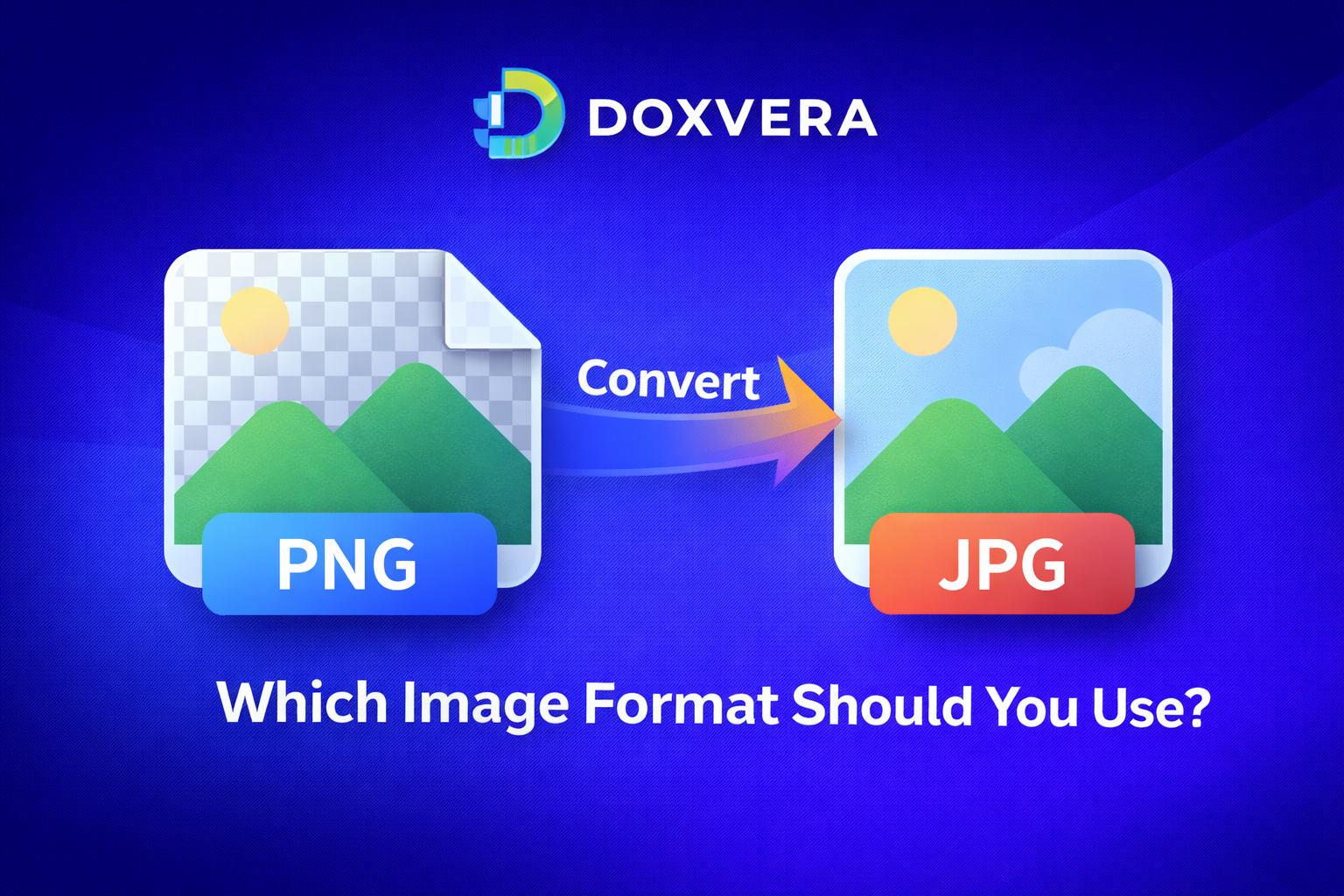
PNG to JPG Converter is a free online tool that helps you convert PNG images into JPG format instantly. Whether you need smaller file sizes, faster uploads, better website performance, or easier sharing, converting PNG to JPG can save time and improve the way you use images online.
PNG files are popular because they support transparency and high image quality. However, PNG images are often much larger than JPG images, which can make them slower to upload, harder to send by email, and less efficient for websites. JPG files are compressed, smaller, and easier to use in most situations.
If you work with websites, blogs, social media, eCommerce stores, school projects, presentations, or online documents, converting PNG to JPG can help reduce file sizes and improve loading speed.
You can use the tool here:
https://doxvera.com/png-to-jpg
What is PNG?
PNG stands for Portable Network Graphics. It is one of the most common image formats used online. PNG files are known for preserving image quality because they use lossless compression. This means the image keeps all of its original details even after saving and editing.
PNG is especially useful for images that require transparent backgrounds, sharp text, logos, icons, screenshots, and graphics with clean edges. PNG images are commonly used in web design, user interfaces, product cutouts, and branding materials.
However, PNG images are often larger in file size than JPG images. This can become a problem when you need faster loading times or want to reduce storage usage. :contentReference[oaicite:0]{index=0}
What is JPG?
JPG, also known as JPEG, stands for Joint Photographic Experts Group. JPG is one of the most widely used image formats in the world. Unlike PNG, JPG uses lossy compression, which reduces file size by removing some image data.
Although there may be a small reduction in image quality, JPG files are much smaller than PNG files. This makes JPG ideal for photographs, blog images, social media posts, email attachments, websites, and online stores.
JPG is widely supported across browsers, mobile devices, operating systems, apps, and social media platforms. :contentReference[oaicite:1]{index=1}
Why Convert PNG to JPG?
There are many reasons why people choose to convert PNG images into JPG format. One of the biggest reasons is file size. PNG files can be several times larger than JPG files, especially when used for photographs or large images.
Smaller image files are easier to upload, download, share, and store. They also help websites load faster and improve user experience.
- Reduce image file size
- Improve website loading speed
- Make images easier to email
- Save storage space
- Improve SEO performance
- Reduce bandwidth usage
- Prepare images for social media
- Optimize blog and website images
- Upload files faster
- Use images in apps and documents
JPG images usually take less space while still looking good for most everyday uses. PNG files often keep higher quality but can be much larger. :contentReference[oaicite:2]{index=2}
How to Convert PNG to JPG
Converting PNG to JPG is very simple. You do not need to install any software or create an account.
- Open the PNG to JPG Converter tool
- Upload your PNG image
- Click the convert button
- Wait a few seconds while the image is processed
- Download the JPG version instantly
The process is fast and works directly in your browser on desktop and mobile devices.
PNG vs JPG: Main Differences
PNG and JPG are both image formats, but they are designed for different purposes.
- PNG uses lossless compression
- JPG uses lossy compression
- PNG files are usually larger
- JPG files are usually smaller
- PNG supports transparency
- JPG does not support transparency
- PNG is better for logos and graphics
- JPG is better for photographs and websites
PNG is often used when quality and transparency are important. JPG is usually preferred when smaller file sizes and faster loading times matter more. :contentReference[oaicite:3]{index=3}
Transparency in PNG Files
One of the biggest advantages of PNG images is transparency. PNG files can have transparent backgrounds, which is useful for logos, icons, stickers, graphics, and product images.
JPG does not support transparency. If you convert a PNG image with a transparent background into JPG format, the transparent areas will usually become white. This is important to remember when converting logos or graphics that depend on transparency. :contentReference[oaicite:4]{index=4}
Why JPG is Better for Websites
Websites need to load quickly. Large images can slow down websites and create a poor experience for visitors. Since JPG files are smaller, they can help pages load faster.
Search engines such as Google prefer fast websites. Faster pages can improve SEO performance, reduce bounce rates, and help users stay longer on your website.
Compressing and reducing image file sizes can improve page load speed, server performance, and the overall user experience. :contentReference[oaicite:5]{index=5}
Benefits of Smaller Image Sizes
Smaller image files offer many benefits beyond just saving space. They can improve website speed, lower hosting costs, reduce bandwidth usage, and make browsing faster for users on mobile devices.
- Faster page loading
- Better mobile performance
- Lower bandwidth usage
- Reduced hosting costs
- Improved SEO
- Quicker uploads and downloads
- Better user experience
Reducing image sizes can lower bandwidth usage and improve search rankings because search engines reward fast-loading websites. :contentReference[oaicite:6]{index=6}
Convert PNG to JPG for Social Media
Most social media platforms automatically compress uploaded images. JPG files are usually the best choice because they are smaller and faster to upload.
You can use JPG images for:
- Facebook posts
- Instagram photos
- X posts
- LinkedIn images
- YouTube thumbnails
- Pinterest pins
- WhatsApp images
- Profile pictures
JPG images work especially well for photographs, product images, event photos, and promotional graphics.
Convert PNG to JPG for Email
Email services often have attachment size limits. Large PNG files can be difficult to send, especially if you need to attach multiple images.
Converting PNG to JPG can help you reduce file sizes and make email attachments smaller. This is useful for business emails, school projects, reports, presentations, and client communication.
Convert PNG to JPG for eCommerce
Online stores often use many images for products, categories, banners, and advertisements. Large images can slow down product pages and affect conversion rates.
JPG is usually the preferred format for product photos because it reduces file size while maintaining good image quality.
eCommerce sellers often convert PNG to JPG for:
- Product photos
- Category images
- Homepage banners
- Mobile-friendly pages
- Advertisement graphics
- Marketplace listings
Who Should Use a PNG to JPG Converter?
This tool is useful for many types of users:
- Website owners
- Bloggers
- Students
- Teachers
- Social media managers
- Designers
- Photographers
- eCommerce sellers
- Developers
- Marketers
- Business owners
Anyone who works with images online can benefit from converting PNG files into JPG format.
Common Questions About PNG to JPG Conversion
Will the image lose quality?
JPG uses lossy compression, so there may be a slight reduction in quality. However, for most everyday uses, the difference is usually very small and often not noticeable.
Can I convert transparent PNG files?
Yes, but transparent backgrounds will not remain transparent after conversion because JPG does not support transparency.
Can I use the tool on mobile devices?
Yes, the tool works on smartphones, tablets, and desktop computers.
Do I need to install software?
No, everything works directly in your browser.
Is the tool free?
Yes, the PNG to JPG Converter is completely free to use.
Conclusion
PNG to JPG conversion is one of the easiest ways to reduce image file size, improve website performance, save storage space, and make images easier to upload and share.
PNG files are excellent for quality and transparency, while JPG files are better for smaller file sizes and faster loading speeds. Choosing the right image format depends on how you plan to use the image.
If you need a quick, free, and easy way to convert PNG images into JPG format, use the Doxvera PNG to JPG Converter today.
Popular Tools
Recent Posts